
Inkjet Printers — All-in-One Printer Scanner, Photo Printer & WiFi Printer
Browse HP inkjet printers for home and home office use. Our range includes all-in-one printer scanner models, dedicated photo printers, and WiFi printers with wireless connectivity for seamless printing from any device.
About Inkjet Printers
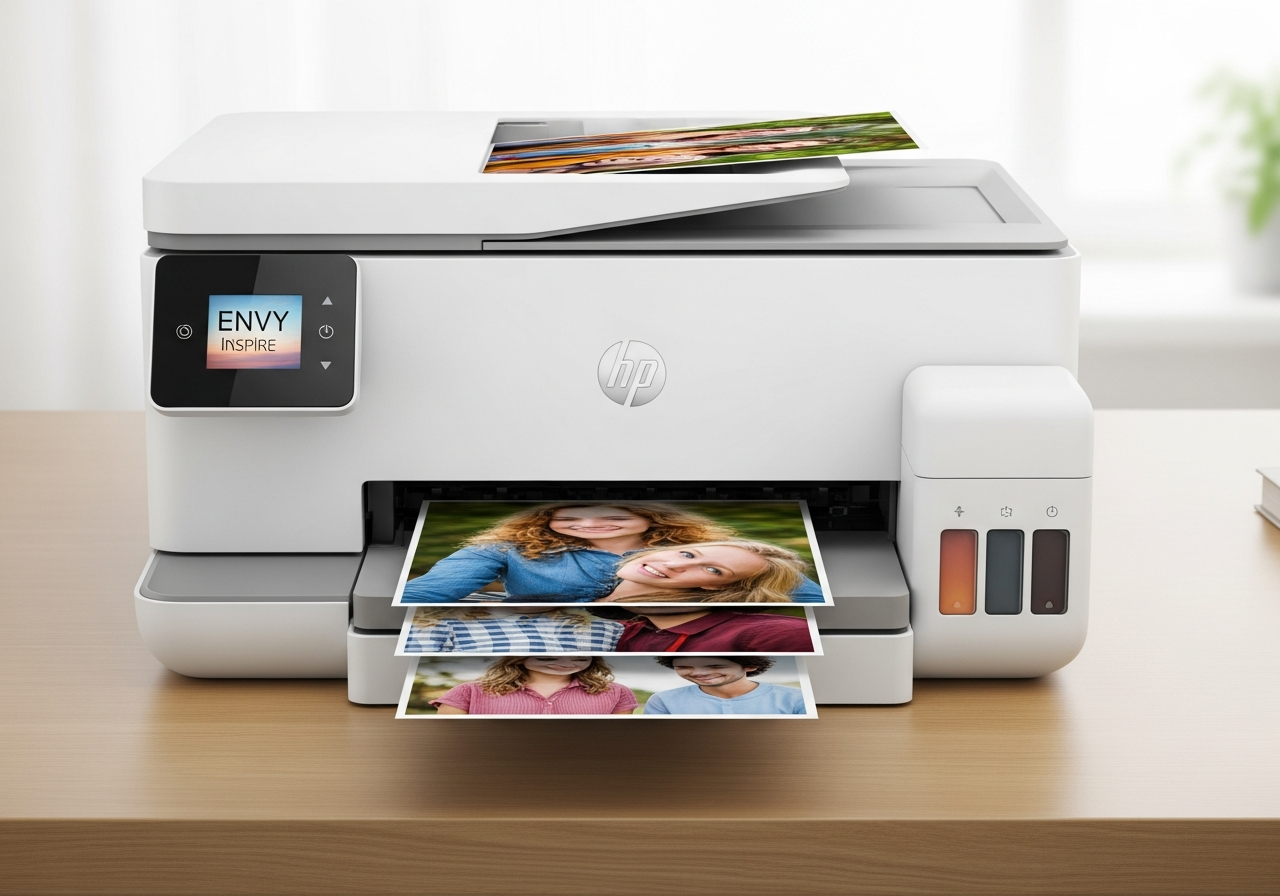
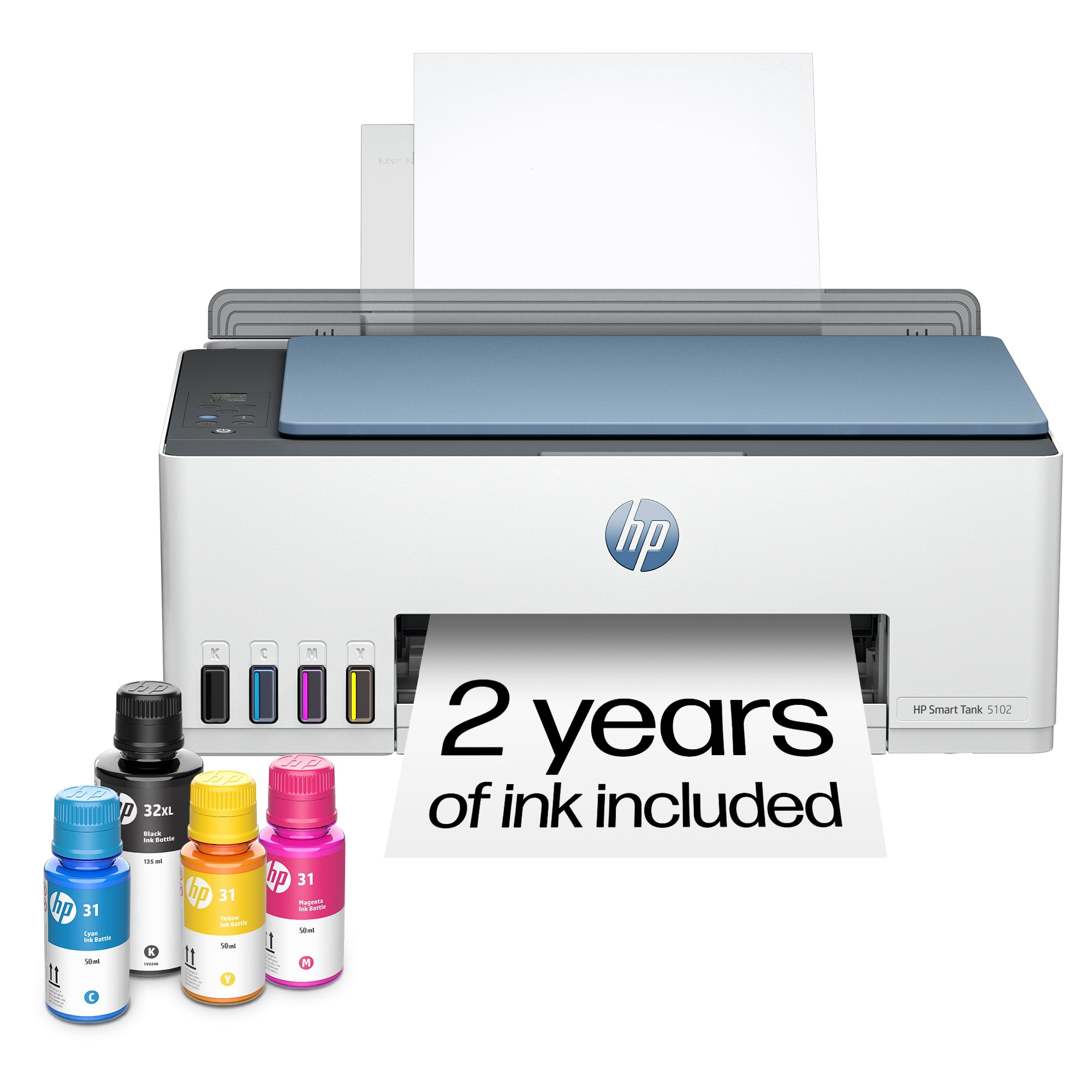
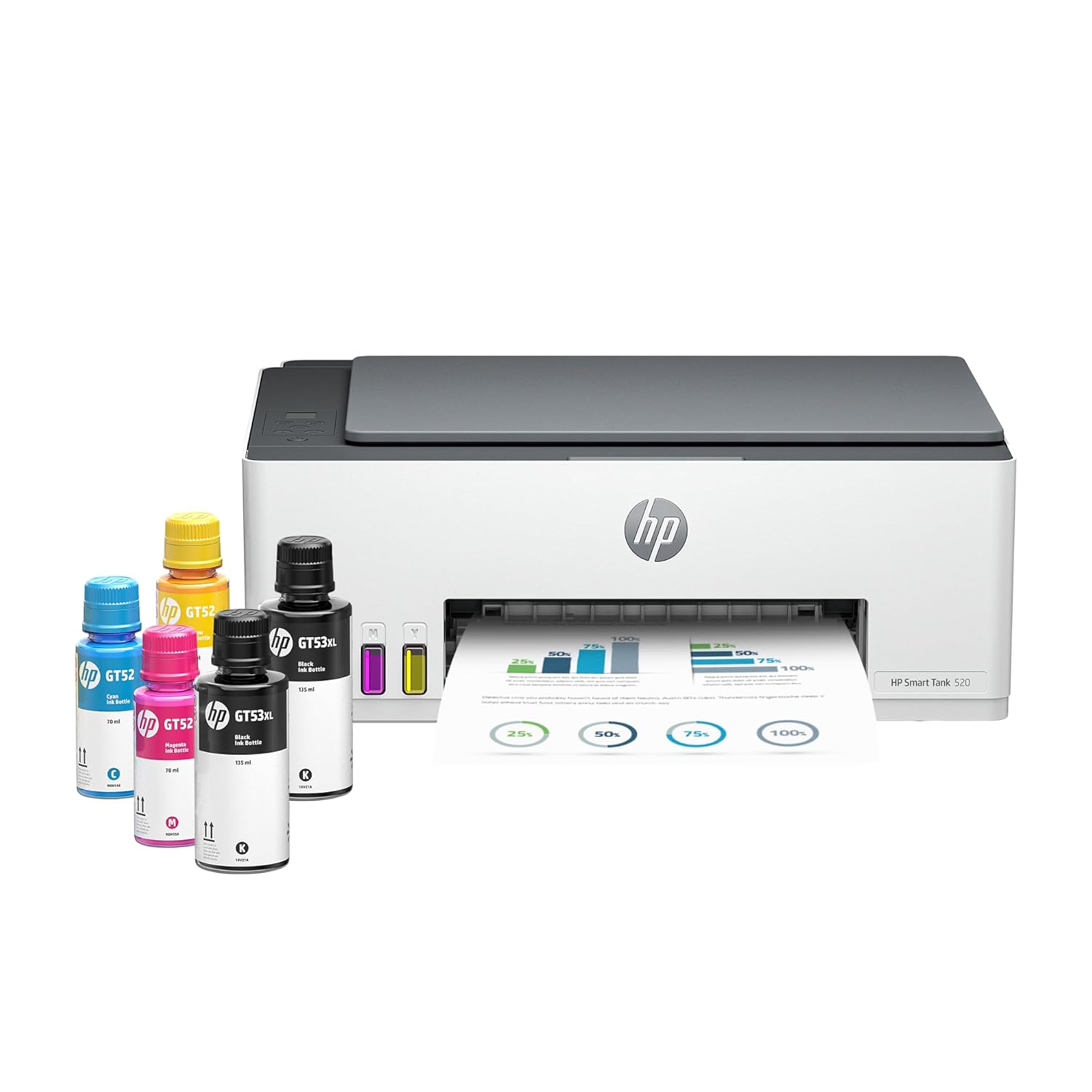
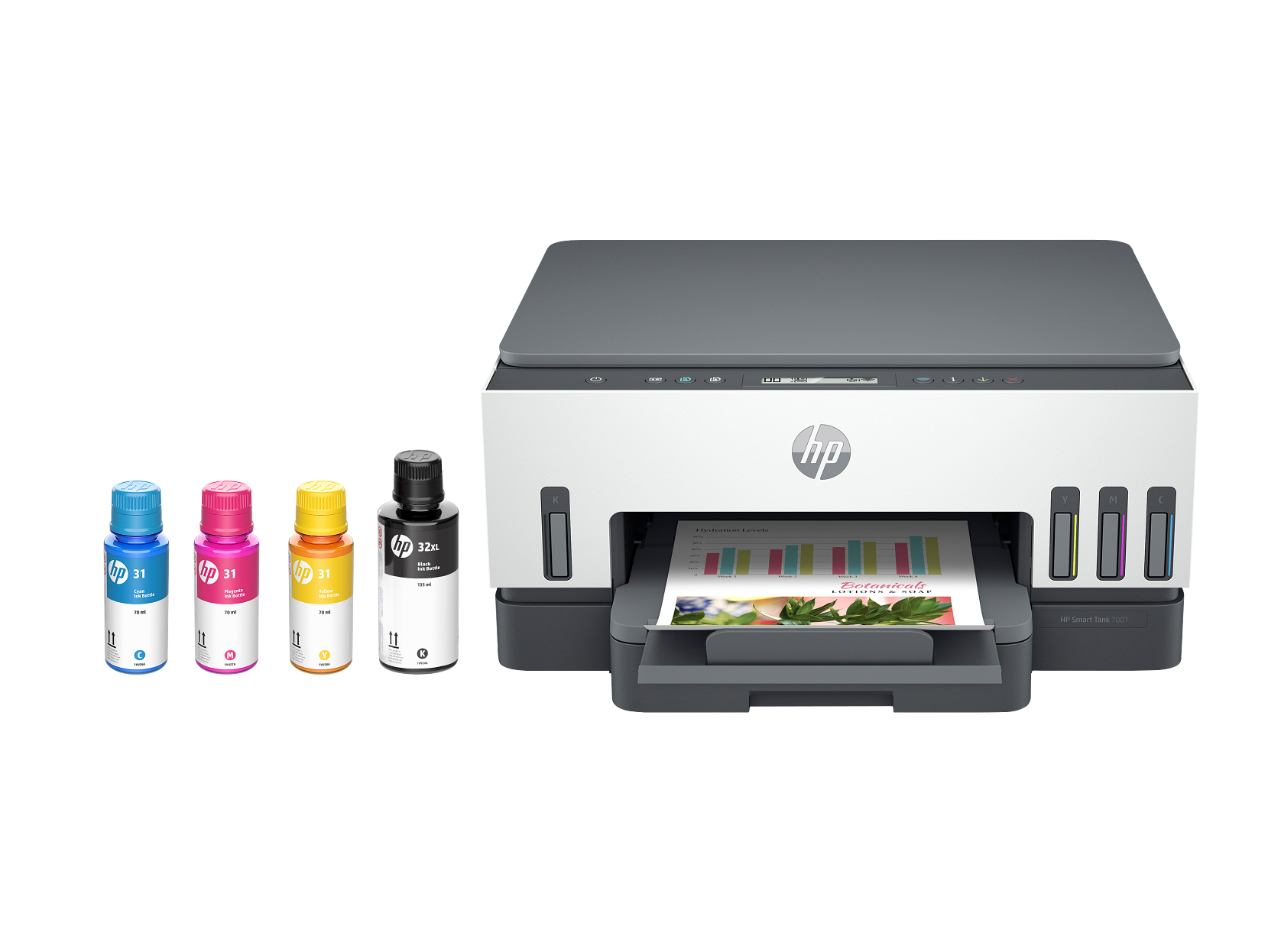
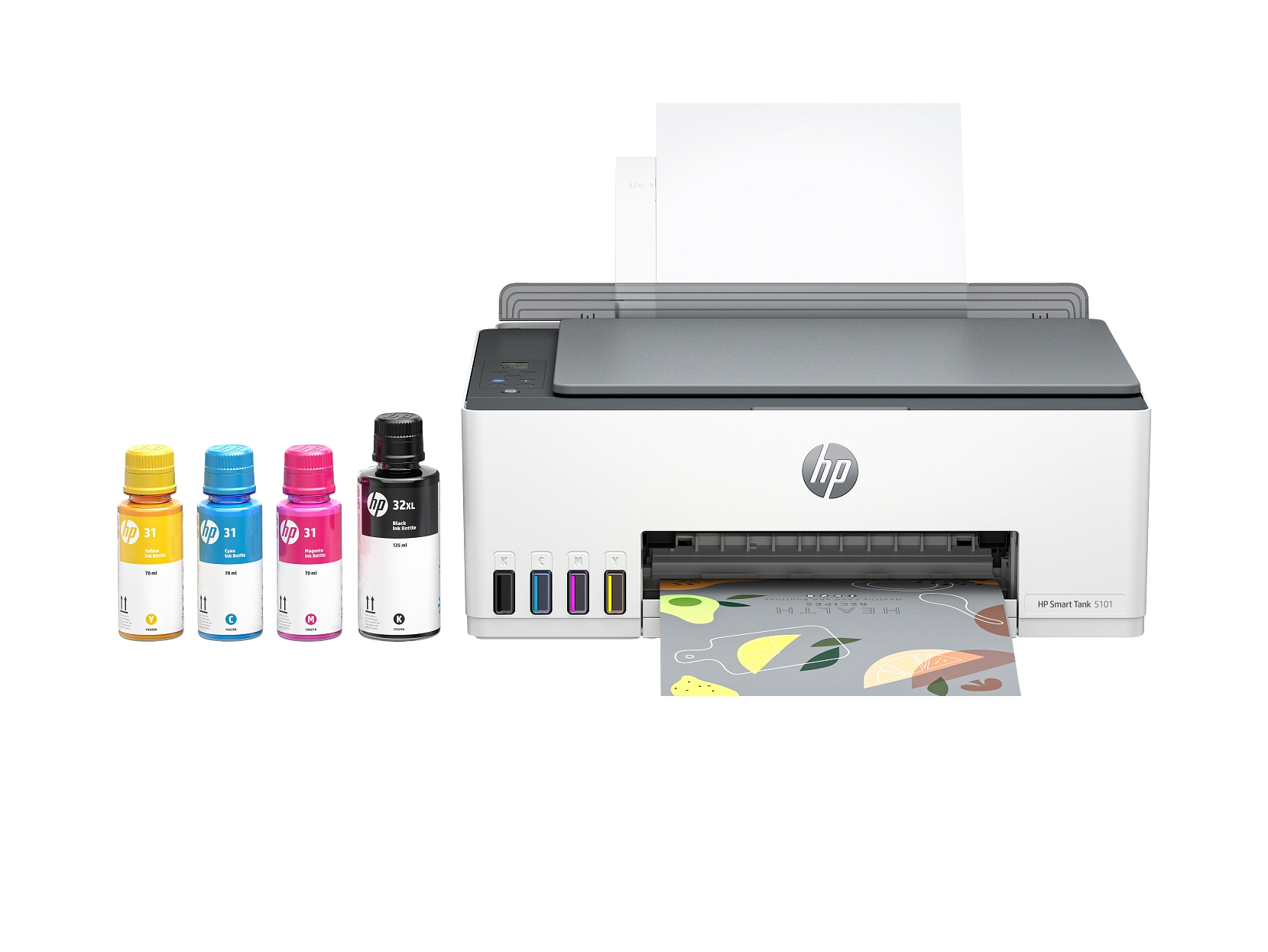
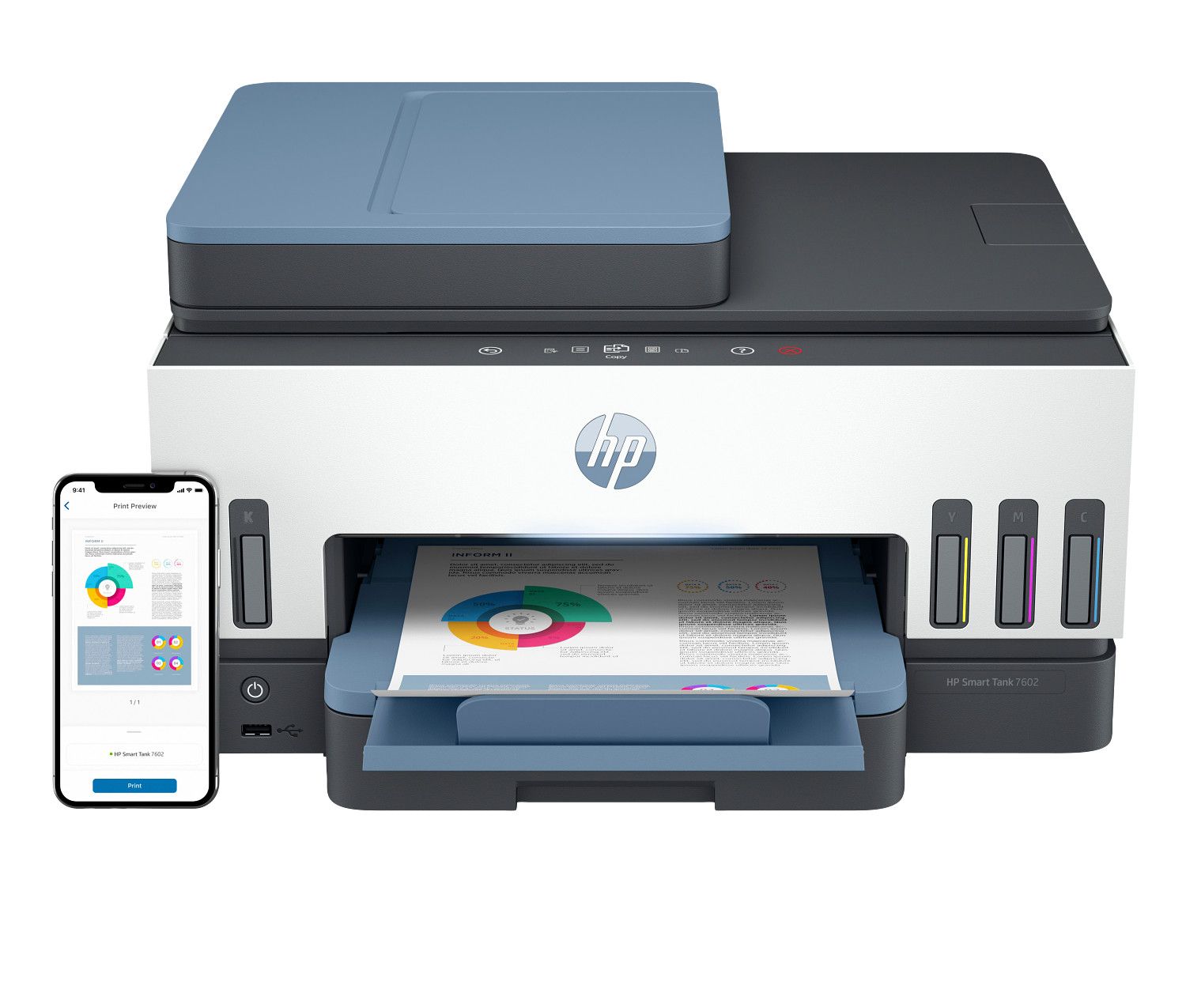
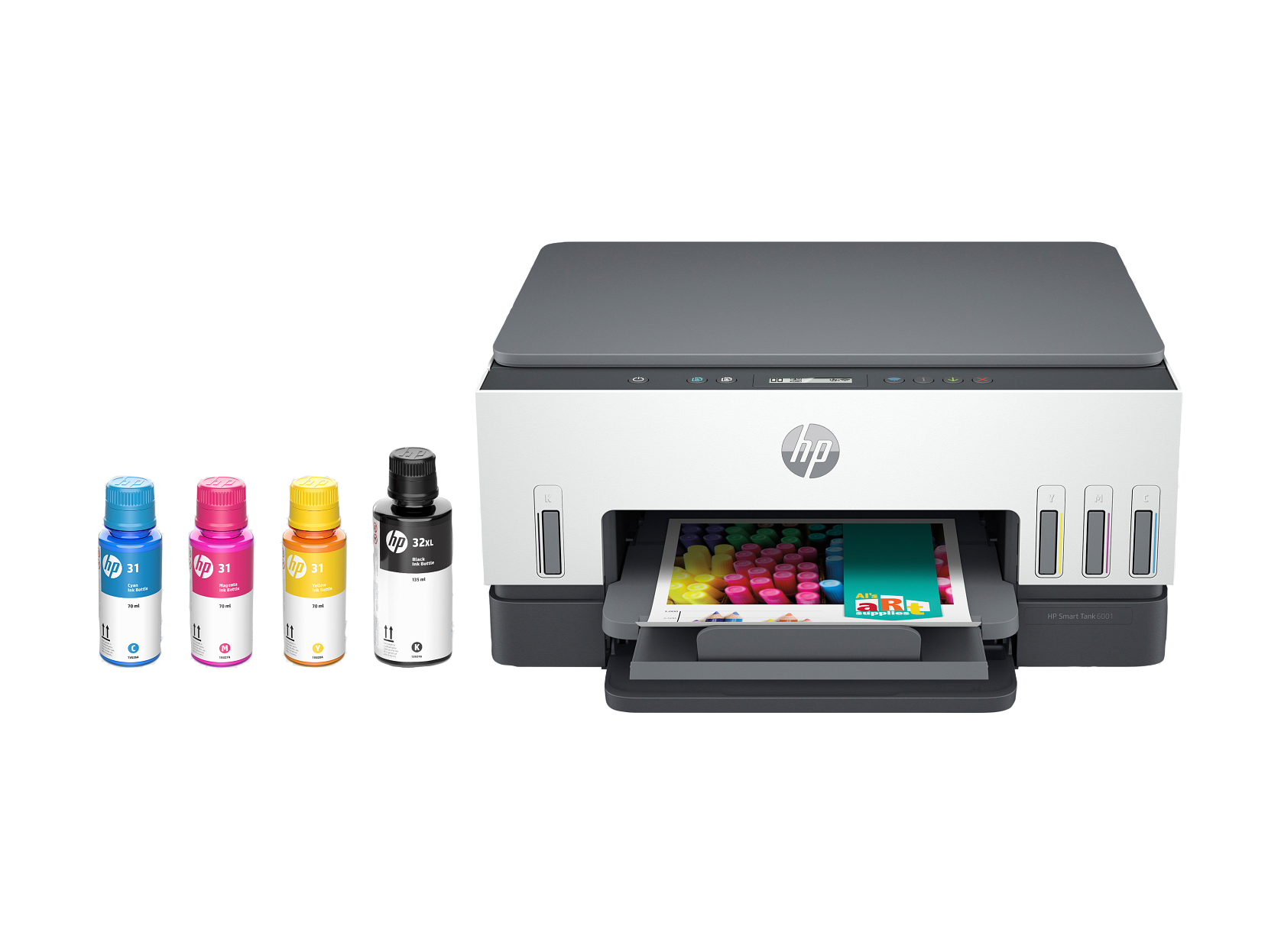
Inkjet printers are the most versatile choice for home and home office use. All-in-one printer scanner models let you print, scan, and copy from a single compact device. WiFi printer connectivity means you can print wirelessly from any phone, tablet, or laptop — no cables needed. For photo printing, inkjet technology delivers richer color and smoother gradients than laser. Every HP printer in this range is built for dependable everyday printing, and Smart Tank models use a refillable ink system with a much lower cost per page.
Ideal For
Home office workers who need an all-in-one printer scanner, photographers who want a dedicated photo printer, families sharing a WiFi printer, and anyone who wants a reliable HP printer for everyday documents and scanning.
Key Features
Inkjet Printers Buying Guide
Everything you need to know before choosing an inkjet printer, all-in-one printer scanner, photo printer, or WiFi printer.
All-in-One Printer Scanner vs. Dedicated Printer
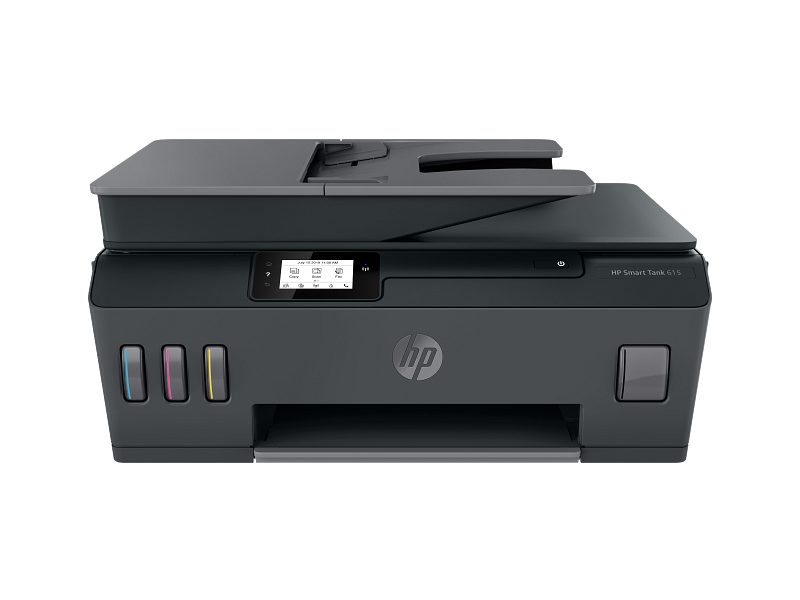
An all-in-one printer scanner combines printing, scanning, and copying in one device — perfect for home office setups where desk space matters. Dedicated photo printers focus purely on image output but require a separate scanner for document work.
Photo Printer Performance
For photo printing, look for inkjet models with 4-color or 6-color ink systems. More ink channels produce smoother gradients and more accurate skin tones. All photo printers in our range support borderless printing at 4×6, 5×7, and 8×10 sizes.
WiFi Printer Connectivity
Every inkjet printer in our catalog supports WiFi printing. Print wirelessly from iPhone, Android, Windows, and macOS without a USB cable. Most models also support Bluetooth and direct mobile printing via dedicated apps.
Home Office Printer Priorities
For home office use, prioritize print speed (pages per minute), automatic two-sided duplex printing, and paper tray capacity. All-in-one models with a document feeder scanner are the most efficient for processing multi-page documents.
Inkjet vs. Laser Printers
Inkjet printers handle color, photos, and mixed media better than laser. Laser printers are faster and cheaper per page for high-volume text-only documents. For home and home office all-in-one use, inkjet is the most versatile choice.
Shop Now
Browse Our Inkjet Printers
FAQ
Inkjet Printer Questions
Common questions about all-in-one printer scanners, photo printers, WiFi printers, and home office inkjet models.
What is an all-in-one inkjet printer scanner?
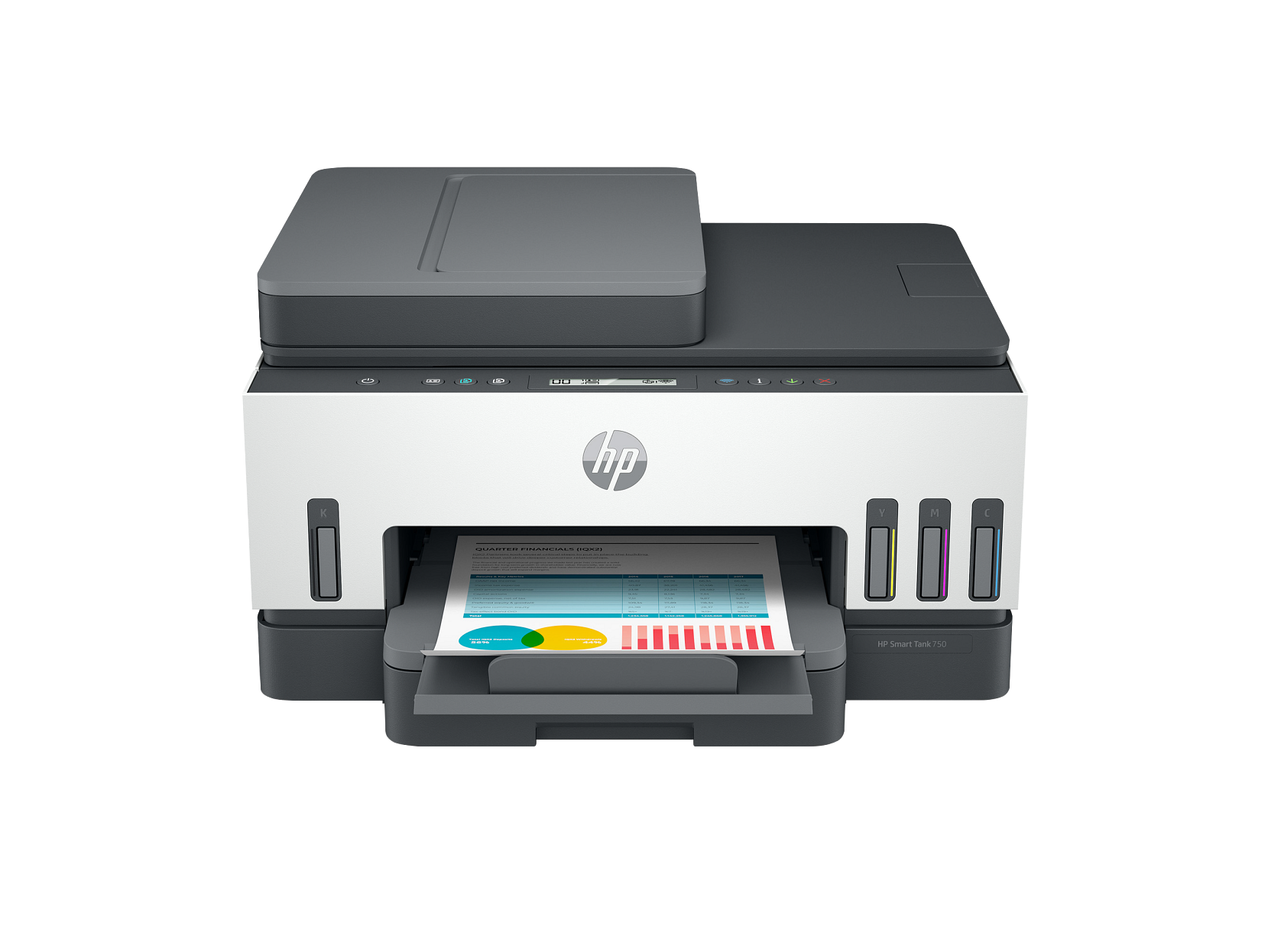
An all-in-one printer scanner — also called a multifunction printer — combines printing, scanning, and copying in a single device. Most models include a flatbed scanner, and higher-end units add an automatic document feeder for multi-page scanning. They are the most popular choice for home office setups.
Which inkjet printer is best for photo printing?
For photo printing, look for inkjet models with 4-color or 6-color ink cartridge systems and support for borderless printing. All photo printers in our inkjet range produce high-quality prints at 4×6, 5×7, and 8×10 sizes with accurate color reproduction.
Do all inkjet printers support WiFi printing?
Yes — every inkjet printer in our catalog supports WiFi printer connectivity. You can print wirelessly from smartphones running iOS or Android, tablets, laptops, and desktop computers on the same network. Mobile printing apps are available for all models.
Can I use an inkjet printer as a home office printer?
Absolutely. Inkjet all-in-one printer scanner models are the most common choice for home office use. They handle documents, spreadsheets, forms, photos, and scanning from one device. For very high-volume offices (500+ pages per week), a laser printer may offer a lower cost per page.
What is the difference between inkjet and laser printers?
Inkjet printers spray liquid ink droplets — they excel at color printing, photo output, and versatile media. Laser printers use dry toner powder and are faster and cheaper per page for black-and-white documents. For photo printing, scanning, and home office all-in-one use, inkjet is the better choice.
How do I connect an inkjet WiFi printer to my network?
Most WiFi printers connect via the printer's touchscreen or control panel — navigate to wireless settings, select your network, and enter your WiFi password. Some models support WPS (push-button) setup. Once connected, add the printer on your computer or phone and you can print wirelessly from any room.
Are these genuine HP printers?
Yes — the inkjet models in this range are genuine HP printer models. Each one supports authentic HP ink cartridges and the full printing software for setup, wireless printing, and scanning, plus compatibility with the mobile printing apps.